

How to Fix Common Website Errors That Negatively Impact SEO
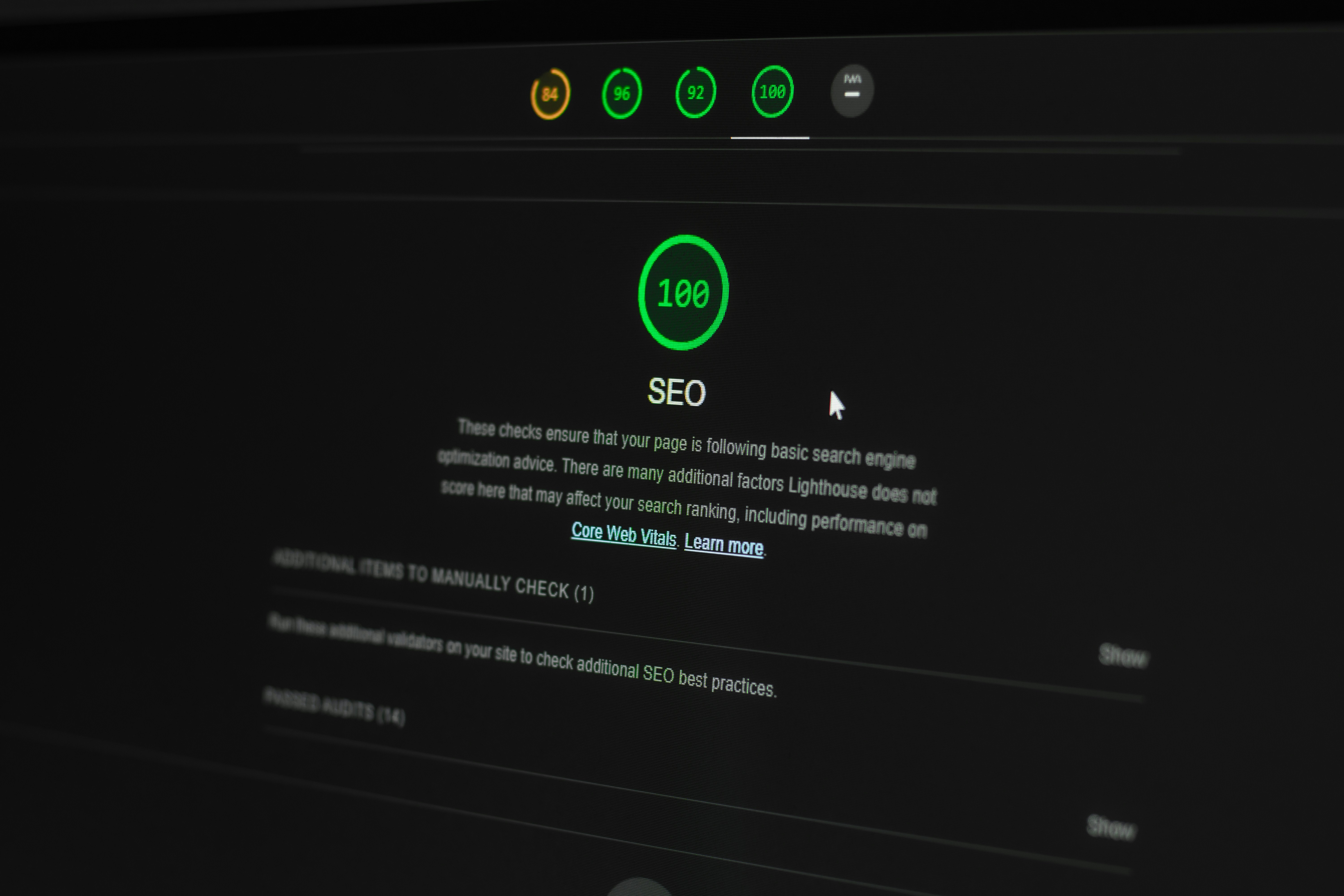
Understanding SEO and Its Importance
Search Engine Optimization (SEO) refers to the strategic practice of enhancing a website’s visibility on search engines through various techniques and tactics. The ultimate goal of SEO is to increase organic traffic to a website by ensuring it ranks higher in search engine results pages (SERPs). The importance of SEO cannot be overstated; with the vast majority of online experiences beginning with a search engine, a well-optimized website is essential for attracting visitors and achieving business goals.
When a website is optimized for search engines, it is more likely to connect with its target audience. This is because SEO involves understanding and aligning with the algorithms that search engines use to evaluate and rank content. Additionally, SEO encompasses keyword research, on-page optimization, link building, and various other elements that contribute to improved visibility.
However, a multitude of common website errors can significantly hinder SEO efforts. Issues such as broken links, slow loading speeds, duplicate content, and improper use of meta tags can negatively impact how search engines view a site’s credibility and relevance. Each of these errors can lead to lower rankings in SERPs, reduced organic traffic, and ultimately a loss of potential customers. For businesses, this can equate to decreased revenue and diminished online presence.
Furthermore, neglecting to fix these errors can have a compounding effect, leading to long-term consequences for a website’s overall performance. As competitors continually optimize their websites, failing to address common SEO problems may cause businesses to fall behind. Recognizing the significance of SEO and actively managing website errors is essential for maintaining a robust online strategy that fosters growth and sustainability.
Common Website Errors Affecting SEO
Maintaining a well-optimized website is crucial for improving search engine visibility. However, several common website errors can negatively impact SEO by hindering user experience and affecting search rankings. Here we will explore some prevalent website errors and their consequences.
One of the most significant errors is broken links. Links that lead to non-existent pages, also referred to as 404 errors, can frustrate users and result in increased bounce rates. Search engines may interpret a high bounce rate negatively, further affecting your site’s ranking. Regularly checking for broken links is essential for maintaining a positive user experience and optimizing SEO.
Another common issue is slow loading speeds. A website that takes too long to load can deter visitors and contribute to high abandonment rates. Google, among other search engines, factors page speed into their ranking algorithms. Therefore, optimizing images, utilizing caching, and minimizing HTTP requests are critical for enhancing site speed and boosting SEO performance.
Duplicate content is another prevalent error that can confuse search engines. When multiple pages have identical or very similar content, it becomes challenging for search engines to determine which page should rank higher. This could result in lower visibility for all affected pages. Site owners should strive to create unique, high-quality content and use canonical tags where necessary to guide search engines to the preferred version of a webpage.
Crawl errors, often caused by improper site structure or blocked resources, can also hinder SEO efforts. If search engines cannot access certain pages on your website, those pages will not be indexed, rendering them invisible in search results. Regularly reviewing crawl reports through tools like Google Search Console can help identify and rectify these errors, thus improving overall search engine performance.
Identifying SEO Errors on Your Website
Identifying SEO errors on your website is a crucial step in optimizing your site for search engines and improving user experience. The process can be approached through a combination of manual checks and the utilization of various automated tools. One of the most valuable resources is the Google Search Console, which provides comprehensive insights into your website’s performance. By setting up your site with this tool, you can track errors, indexing issues, and search analytics to better understand how your site is perceived by search engines.
Once Google Search Console is integrated, begin by examining the ‘Coverage’ report, which highlights pages that have issues affecting their visibility in search results. This section will reveal errors such as ‘404 Not Found’ or ‘Server Error,’ which can significantly hinder your site’s SEO. Additionally, you can utilize the ‘Mobile Usability’ report to identify problems that may affect users accessing your site from mobile devices, an increasingly important factor for SEO.
Aside from Google Search Console, other performance analysis tools like Ahrefs, SEMrush, and Moz can aid in discovering SEO issues. These platforms often offer in-depth site audits, allowing for a closer look at various elements such as backlinks, keyword usage, and site speed. Conducting a thorough keyword analysis can illuminate opportunities for optimization, thus enhancing overall search performance.
Moreover, manual checks are equally essential for diagnosing SEO errors. Reviewing your website’s URL structure, examining on-page elements like title tags and meta descriptions, and ensuring that images have appropriate alt tags can reveal discrepancies that might not be apparent through automated tools. Regularly conducting these checks can help maintain a healthy website, ensuring optimal functioning for both users and search engine crawlers alike.
Fixing Broken Links
Broken links can significantly harm a website’s SEO performance. They provide a poor user experience and may lead to lower search engine rankings. It is crucial to regularly check both internal and external links to identify and rectify any broken ones. Internal links connect different pages within your website, enhancing site navigation and distributing page authority, while external links point to other reputable sites. Both are essential for maintaining a healthy website structure.
To locate broken links, utilize tools such as Google Search Console, which notifies you of crawling errors, or dedicated link checker software like Screaming Frog and Ahrefs. These tools can crawl your website and generate a report highlighting any broken links, allowing you to address them efficiently. For external links, you may also consider using browser extensions or checking through site audits.
Once broken links are identified, the solution may involve different strategies depending on the link type. For internal links, ensure the pages are still active; if not, consider redirecting them to relevant pages or removing them altogether. If an external link is broken, you can replace it with an alternative link that leads to similar content, or you may choose to remove it if no other links are available. Additionally, using 301 redirects can help in guiding users from dead links to active pages, thereby improving user experience and preserving link equity.
Maintaining functional links across your website not only aids in retaining visitors but also signals to search engines that your site is well-maintained and relevant. Regular link checks should form part of your ongoing SEO strategy to ensure all links contribute positively to your site’s authority and ranking.
Improving Page Load Speed
Page load speed plays a crucial role in search engine optimization (SEO) as it directly affects user experience and engagement levels. A slow-loading website can lead to high bounce rates, ultimately harming your site’s ranking in search results. Search engines, particularly Google, prioritize fast-loading websites, making it essential to optimize your website’s speed to enhance your SEO strategy.
Common causes of slow loading times include large image files, excessive use of plugins, unoptimized code, and inefficient server configurations. Addressing these issues is vital to ensure your site loads quickly and retains users. One effective method for improving page load speed is through image optimization. Large images should be compressed and resized appropriately to maintain quality without unnecessarily slowing down load times. Utilizing formats like JPEG for photographs and PNG for images with transparent backgrounds can also contribute to faster load speeds.
Another practical tip is to implement browser caching, which allows returning visitors to load your site faster by storing certain elements locally on their devices. By configuring your server settings to enable caching, you minimize the need for repeated downloads of static resources, reducing loading times significantly.
Furthermore, reducing server response times is pivotal in enhancing website speed. This can be achieved by opting for a reliable web hosting service and ensuring your server infrastructure is optimized for performance. Regularly monitoring server performance and employing techniques such as content delivery networks (CDNs) can further expedite content delivery across various geographical regions.
To summarize, improving page load speed is not merely a technical necessity but a fundamental aspect of effective SEO. By addressing the common causes of slow loading times—such as image optimization, browser caching, and server response improvements—you can create a more user-friendly website that meets both user expectations and search engine criteria.
Handling Duplicate Content
Duplicate content refers to blocks of content that are identical or substantially similar across different pages or domains. This phenomenon poses a significant threat to search engine optimization (SEO) as it can confuse search engine crawlers, impair indexing, and dilute the overall link equity associated with original content. As a result, websites may experience poor rankings due to the ambiguity regarding which version of the content should be prioritized. Addressing this challenge is crucial for maintaining optimal SEO performance.
One effective solution to manage duplicate content is the implementation of canonical tags. A canonical tag is an HTML element that helps webmasters specify the ‘preferred version’ of a webpage, thus signaling to search engines which page should be indexed and ranked. Using canonical tags effectively consolidates signals and ensures that link equity flows to the correct version of the content. By indicating the canonical URL, website owners can prevent potential ranking issues associated with duplicate content.
Additionally, another viable strategy involves consolidating similar content into a single page. This approach not only enhances SEO but also improves user experience. For instance, if a website has multiple pages targeting similar keywords or providing overlapping information, merging these pages into a comprehensive resource can create a more authoritative and engaging piece of content. Furthermore, incorporating 301 redirects from the old URLs to the newly consolidated page will assist in transferring existing link equity, thereby preserving valuable traffic.
In conclusion, effectively managing duplicate content through canonical tags and content consolidation is essential for maintaining strong SEO performance. By taking these proactive steps, website owners can ensure clarity in communication with search engines, improve indexing, and ultimately enhance their overall online visibility.
Resolving Crawl Errors
Crawlability is a critical component of search engine optimization (SEO) that directly affects a website’s visibility and ranking. Search engines rely on crawlers to systematically browse the internet and index the content of web pages. When a site encounters crawl errors, it indicates that these crawlers face obstacles while trying to access certain pages. Such errors can lead to decreased indexing, which ultimately impacts a site’s performance during search results’ ranking.
To ensure smooth crawlability, website owners must first identify any crawl errors present on their site. This can be achieved using tools like Google Search Console, which provides comprehensive reports on indexing status and highlights any issues preventively. The Crawl Errors report specifically details the URLs that have not been accessed correctly, along with the reasons for the errors, such as 404 errors, server issues, or redirects.
Once identified, resolving these errors promptly is imperative. Common solutions include correcting broken links, ensuring the server configuration is optimal, or fixing incorrect redirect rules. For instance, if a particular page returns a 404 error, a review should determine whether the page is still relevant or if it should be redirected to a similar, active page. Insights can also be gleaned from the sitemap submitted to search engines, ensuring it accurately reflects all available pages that should be crawled.
In addition to fixing errors, implementing a robust internal linking structure facilitates easier navigation for crawlers. Enhancements in crawlability lead to more efficient indexing of the website, which is essential for maximizing its performance in search engine results pages (SERPs). By following these steps, website owners can effectively mitigate crawl errors, fostering improved visibility and search engine ranking as a result.
Implementing Redirects and 404 Pages
Managing website errors effectively is crucial for maintaining search engine optimization (SEO) value. Among the key strategies to address these errors are implementing redirects and designing custom 404 error pages. Properly executed redirects assist in guiding both users and search engines from outdated URLs to new, relevant content, thereby preserving the website’s authority and ranking.
When setting up redirects, it is vital to use 301 status codes for permanent redirects. This informs search engines that a page has been permanently moved to a new URL, ensuring that the link equity transfers smoothly to the new destination. Conversely, 302 redirects are temporary and should be used sparingly when the original content will eventually return. Utilizing tools such as .htaccess files on Apache servers or server-side scripts for other platforms can simplify the process of implementing these necessary redirects.
On the other hand, encountering a broken link or a deleted page can lead users to a default, generic 404 page, which may result in a poor user experience. Instead, creating a custom 404 page can significantly improve user engagement. A well-designed 404 error page should offer helpful navigation options, such as links to popular pages or a search function. Adding a friendly message informing users that the page cannot be found and suggesting alternatives can enhance user satisfaction and retain site visitors.
Moreover, custom 404 pages can be optimized for SEO by including relevant keywords related to the site’s content. This not only informs users but also allows search engines to understand the context of the error, potentially preventing any negative impacts on overall site performance. In conclusion, implementing effective redirects and creating user-centered 404 pages are essential strategies for protecting your site’s SEO integrity while improving the user experience.
Monitoring and Maintaining SEO Health
Regular monitoring and maintenance of your website’s SEO health are essential components in sustaining and improving search engine performance. Websites are dynamic entities that can be affected by various internal and external factors; therefore, a proactive approach to SEO is crucial. One effective strategy is to implement regular audits that focus on identifying issues such as broken links, slow loading times, and improper redirects. Tools such as Google Search Console and various third-party SEO auditing tools can provide invaluable insights into your website’s health.
Content relevance and freshness play a significant role in SEO rankings. It is advisable to schedule periodic reviews of your website’s content, updating it as necessary to reflect changes in keywords, industry trends, and user intent. This ensures that your content remains valuable and can rank well. Additionally, addressing any outdated information not only improves user experience but also promotes trustworthiness in the eyes of search engines.
Moreover, maintaining clear site architecture and optimizing on-page elements like title tags, meta descriptions, and header tags can enhance both user engagement and crawlability for search engines. Utilizing analytics tools to track user behavior can inform areas needing improvement, allowing you to make data-driven decisions that reinforce your SEO strategy.
Finally, staying informed about algorithm updates from major search engines like Google is vital. These updates can significantly impact your website’s visibility, requiring adjustments to your optimization tactics. Engaging in continuous learning through professional courses, webinars, or SEO-focused workshops can further enhance your capability of effectively monitoring and maintaining your website’s SEO health.